
 2 July 2019
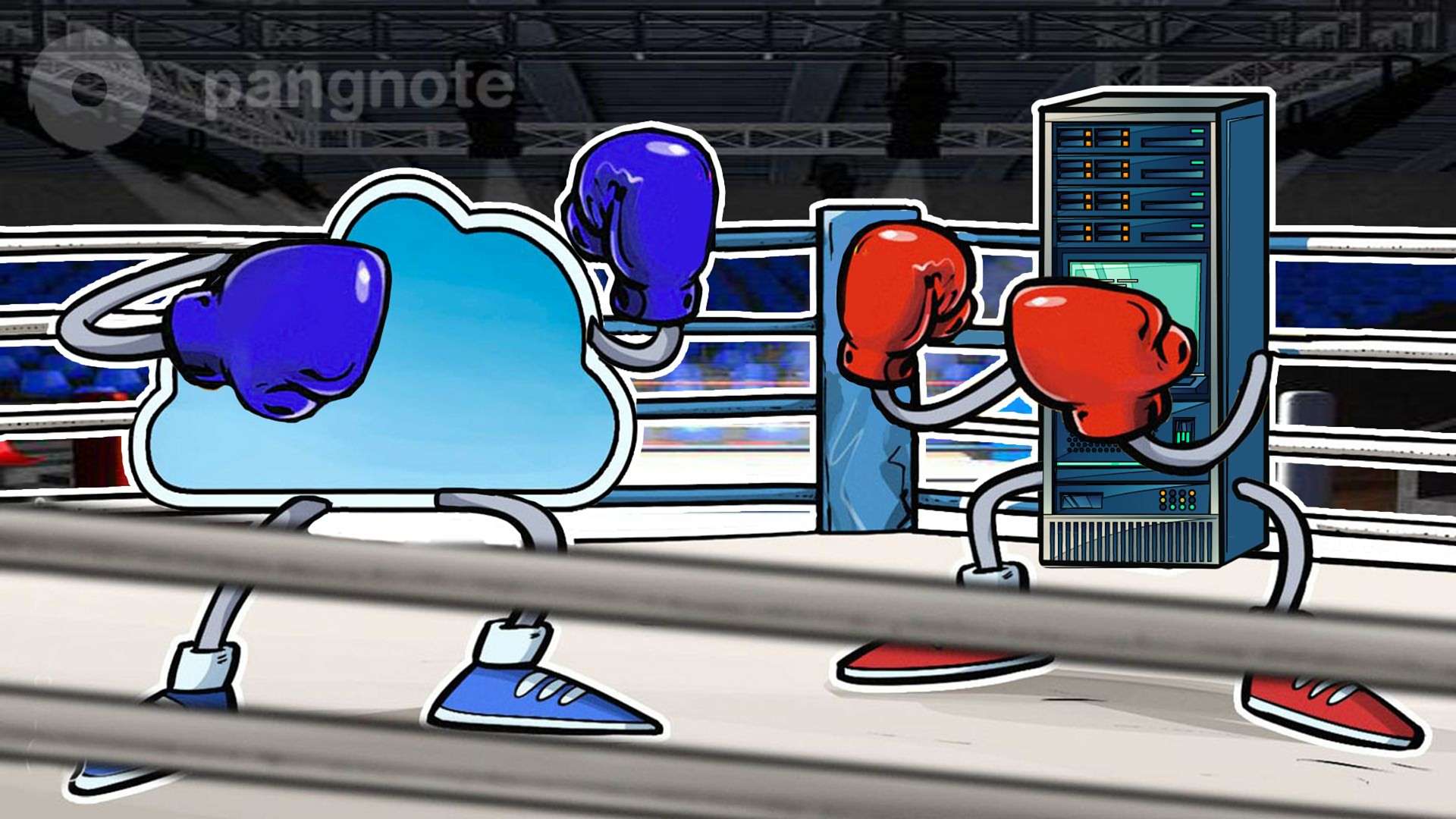
Cloud vs NAS: the main differences between backup technologies
Backups take up too much space, but they cannot be deleted, so every administrator will sooner or later think about where to store them.
Where they just do not store backups. Previously, they were even stored on magnetic tape (using tape drives), on CD / DVDs. Now backup volumes are such that the old ways of storing them are no longer suitable.
Today, backups are most often stored on a local server. But this is fundamentally wrong: in the event of a server drive failure (and this probability is quite high, given that the server drive is always loaded), you will lose both data and backup copies.
The second option is to store backups on a shared disk on some other computer. Its drive is not as loaded as the server's drive and the probability of its failure below. But not every computer on the network has a proper storage capacity, and the computer must be turned on at the time of the backup. Separate computer to use for storing backups is not the most rational option.
And here you are buying a NAS, the necessary number of hard drives and you think that the solution you choose is the best that can be. And on one not so good morning, you find that ... there was a fire in the office or the office was flooded and all your NAS along with the hard drives installed in them are no longer usable.
It turns out that by placing the backup storage system in the same room with your servers, you can lose both the data and its backup copies.
The way out is to buy storage in the cloud. Benefits:
• Your backups are no longer terrible natural disasters, because they are located geographically in another city. Even if none of the office computers survive, your data in the cloud will be safe and sound.
• Backups from the cloud will be available at any time. At any time you can increase or decrease the size of cloud storage and you do not need to pay the full amount at once. You can buy a cloud for 1 TB and then increase it to 2 TB and return it to 1 TB again, if you no longer need to store 1 TB of data. In the case of already purchased hard drives of 8 TB for NAS, this trick will not work.
• When using the cloud there are no costs for the purchase and maintenance of equipment.
Transferring backups from the cloud is carried out by encrypted communication channels, so you do not need to worry that data can be intercepted on the way from office to cloud. Even if someone intercepts the data, he will not be able to decrypt them.
0
0
Comments
Facebook improves connectivity in the African region with an undersea internet cable
7 November 2021Can blind spots be avoided when monitoring DCs?
3 November 2021Influence of automation in DC on engineering personnel
30 October 2021The frequency of accidents in DC has decreased and the sum of damage has increased significantly
26 October 2021


How to avoid mistakes when choosing a hosting
How to avoid mistakes when choosing a hosting

Chinese manufacturer Loongson will enter the market ..
Chinese manufacturer Loongson will enter the market with 16-core processor in 2020
Please sign-in to comment here